
Opening a 4rabet Account in India
With a 4rabet account, you can use a sportsbook that covers cricket, the IPL, kabaddi and football, as well as a casino with slots, live dealers and other titles. Choose one-click sign-up, a mobile number, an email address or a linked social profile. After registration, the account supports INR deposits and withdrawals through options such as UPI and Paytm. New players in India can qualify for a 200% first-deposit match with a ₹20,000 cap.
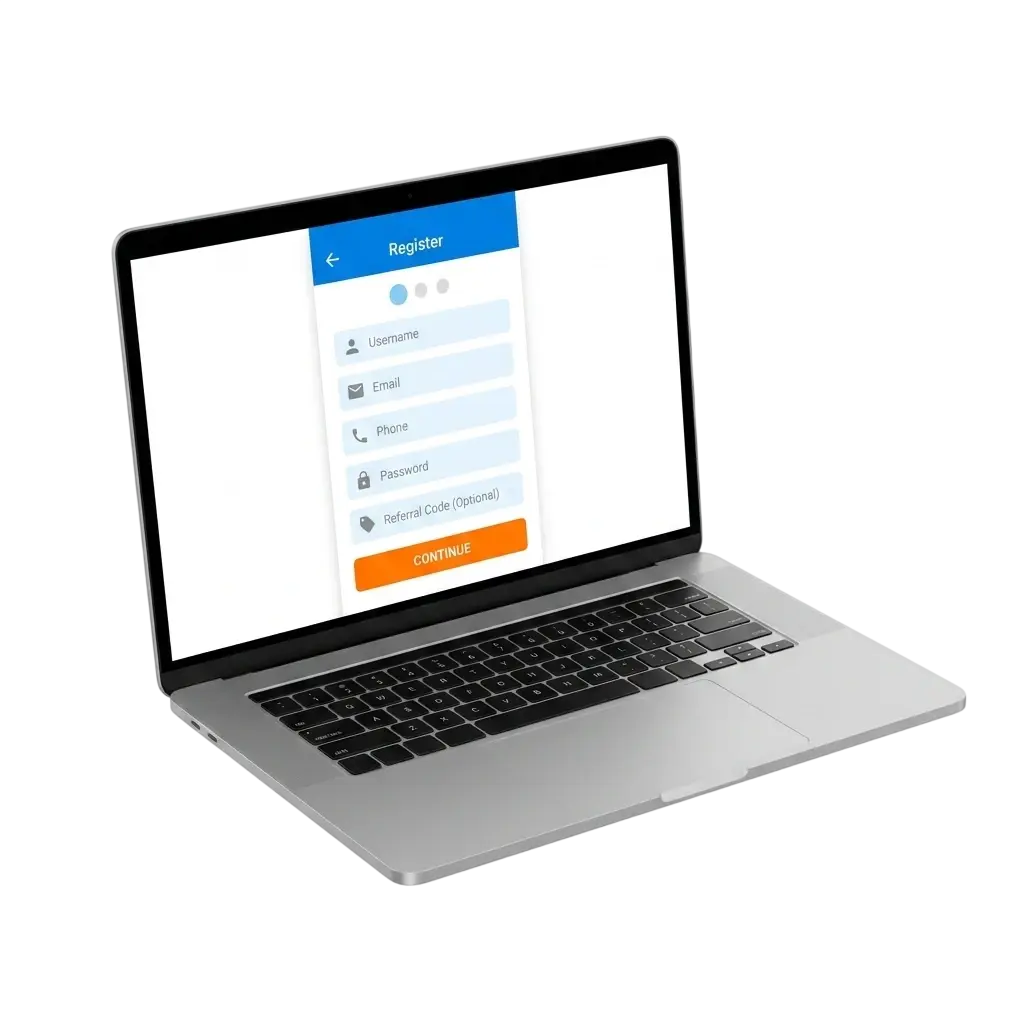
Ways to Create a 4rabet Account
4rabet lets you choose how to register according to the details you prefer to use. All options lead to a fully functional account, with identical access to the sportsbook, casino and bonuses.
Choose one of these sign-up routes:
- One-click sign-up;
- Sign up with a mobile number;
- Use an email address;
- Link an existing Google or Telegram profile.
Use the One-Click Option
For the quickest sign-up, set a password and select the currency. The one-click form does not ask for an email address or mobile number at this point.
- On the 4rabet website, find and select “Sign Up.”
- In the form, pick the tab labelled “One Click.”
- Open the currency menu and choose INR.
- Create a password that is difficult to guess.
- Finish creating the profile with “Register.”
Use an Indian Mobile Number
Linking an Indian mobile number at sign-up gives you a straightforward way to access the account or recover it later.
- On the home page, select “Sign Up.”
- Go to “Phone” in the list of registration tabs.
- Type the Indian phone number, starting with the +91 prefix.
- Set the password and choose INR from the available currencies.
- Select “Register,” then enter the SMS code delivered to that number.
Use an Email Address
For a conventional sign-up where you control the credentials, you can use email. The same address receives notifications and provides a route for recovering your password.
- Use “Sign Up” on the platform to open the form.
- In the list of sign-up methods, choose “Email.”
- Supply an email address you can access and set a secure password.
- Choose INR for the account currency.
- Submit through “Register,” then follow the verification link in the message in your inbox.
Continue with Google or Telegram
An existing Telegram or Google profile can provide your sign-in. Choosing this route saves you from setting up a separate set of credentials to remember.
- From the 4rabet home page, open “Sign Up.”
- Under “Social,” select either Telegram or Google.
- When the service asks, approve the requested access for 4rabet.
- Pick INR for the profile’s currency.
- Confirm the new account to finish registration.
Opening an Account in the Android App
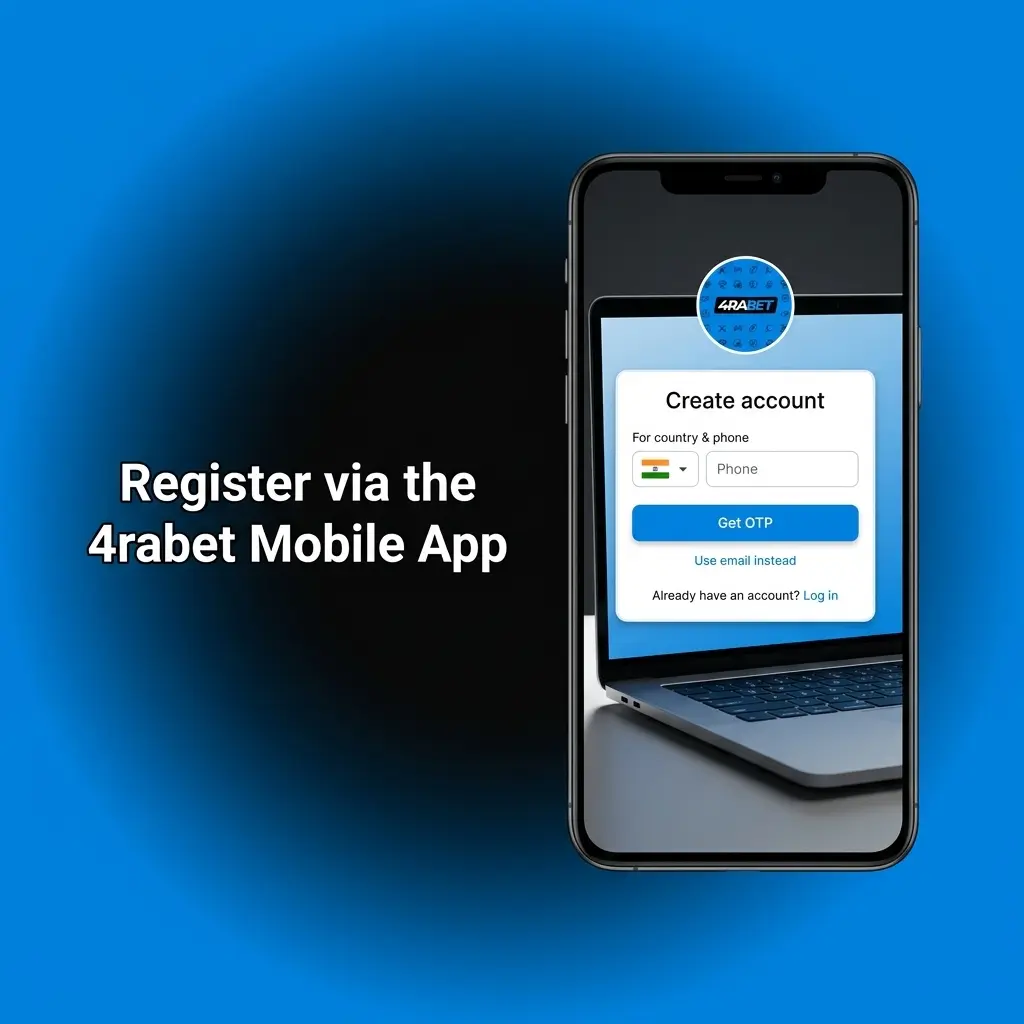
The Android app uses the same registration steps as the desktop site, with controls arranged for one-thumb use on a smaller screen. Download the APK from the official website because the app is distributed outside Google Play.
- Save the Android installer. From your Android device, find the mobile app section on 4rabet’s site. Use the Android download button to save the APK.
- Allow the browser to install it. In the device’s Settings, go to Security or Privacy and turn on “Install unknown apps” for that browser.
- Run the Android installer. Find the APK in the notification bar or file manager and open it. Follow the prompts to finish installation.
- Launch the app and open “Sign Up.” Pick your route through the form: one click, mobile number, email, or an existing Google or Telegram profile.
- Submit the mobile form. Enter the requested information, select INR and confirm your account before you start playing.
Who Can Open a 4rabet Account
You must be eligible under 4rabet’s rules and the law where you are to register online. Each player may use only one account. If you open duplicates, the operator may permanently suspend all linked profiles. Make sure that the information you enter is correct and corresponds to your verification documents.
Conditions for opening a profile:
- You must have reached age 18;
- Keep to a single personal account;
- The details in the form must be accurate and capable of verification;
- You must not be in a place where online gambling is explicitly banned;
- You must check and comply with the local rules that apply to your use of the site.
Accessing the Account After Sign-Up
The credentials you chose during registration will let you access the 4rabet account whenever you need it.
- Find “Login” at the top right of the home page.
- Use the method that matches your registration. Enter your password with the registered number or email, or choose Google or Telegram and approve the social sign-in.
- Select “Sign In” to open the account.
- If you cannot remember the password, choose “Forgot Password” in the sign-in form. Reset it using the number or address registered to the account.
How 4rabet Verifies an Account
4rabet requires Know Your Customer (KYC) checks before processing withdrawal requests. You submit official documents to confirm your identity. The check also helps prevent unauthorised access and supports responsible gambling compliance. Once you complete it in full, verification-related limits on withdrawals are lifted.
- Find the verification area. Sign in, then open the profile or account settings and locate the KYC section.
- Upload a document to verify your identity. Use a government-issued photo ID. Examples include an Aadhaar card, a passport and a PAN card.
- Show where you live. To confirm your residential address, submit a bank statement or utility bill from the past 3 months.
- Show that the payment method is yours if asked. After paying by UPI or bank transfer, you may need to upload a screenshot or statement showing that you own the payment instrument.
- Wait for the verification result. The support team generally checks the documents within 24 to 72 hours. A notification tells you when account verification is complete.
First-Deposit Offers for Players in India

Indian players opening an account can qualify for a first-deposit match of 200%, capped at ₹20,000. The casino and sportsbook each have their own version of the welcome offer for people making their first deposit.
The Casino First-Deposit Match
When a new casino player first deposits, the site credits a 200% match to the casino wallet for use on qualifying slots and tables.
| Condition | What Applies |
|---|---|
| Match Rate | The opening deposit is matched at 200% |
| Maximum Credit | ₹20,000 |
| Deposit From | ₹300 |
| Required Turnover | 50x the value of the bonus |
| Activation | Once registered, choose the casino offer as part of the deposit process |
The Sportsbook First-Deposit Match
The sportsbook credits a 200% welcome match on the initial deposit to your sports wallet. Use it on live or pre-match markets such as the IPL, other cricket and kabaddi.
| Condition | What Applies |
|---|---|
| Match Rate | The opening deposit is matched at 200% |
| Maximum Credit | ₹20,000 |
| Deposit From | ₹300 |
| Required Turnover | Stake 5x the bonus on accumulators. Each ticket must include at least 3 events, each priced at 1.40 or above |
| Activation | When depositing for the first time after sign-up, choose the sportsbook offer |
What You Can Do in the Dashboard
The 4rabet dashboard brings the controls and records for all your account activity together.
- Add Money: Use UPI, Paytm, net banking or crypto to pay in a minimum of ₹300;
- Cash Out: From ₹500, you can ask for a payout to the payment method you have verified;
- Payment Records: See all credits, deposits and cash-outs, with their dates and amounts;
- Offers and Wagering: Check which offers are active, see how much playthrough remains and select any available promotion;
- Sports Wager Record: Find past sports tickets whether they are pending, settled or cancelled;
- Casino Activity: Check past sessions and see the stake and result for each title;
- Account Protection: Change the password, switch on two-factor authentication or manage social profiles linked for sign-in;
- Player Controls: The profile lets you set deposit caps or time limits and request a period of self-exclusion.
What to Try if 4rabet Registration Fails
A few users have trouble with part of the sign-up process. The table pairs each common problem with steps that can help resolve it.
| What You See | What to Try |
|---|---|
| The form says “Phone number already in use” | That number already belongs to an account. In the sign-in form, open “Forgot Password” to recover it. |
| No verification SMS arrives | Double-check the number and +91 prefix. After 60 seconds, request another code. If it still fails, ask for help in live chat. |
| The sign-up form does not submit | Clear the cached browser files and turn off any VPN before retrying. You can also use the app or another browser. |
| Google or Telegram does not connect | Before using social sign-up, sign in to Telegram or Google in the browser where you are opening the registration form. |
| The form reports “Country not supported” | A VPN that hides your IP can cause this. Switch it off, then reload the sign-up form. |
Closing a 4rabet Account Permanently
You can close a profile for personal reasons or to help control gambling. Cash out any balance before asking the operator to delete the account. Money left behind cannot be recovered after closure.
- Sign in, then open Profile or Settings.
- Follow the prompts under “Close Account” or “Delete Account.” Alternatively, ask 4rabet customer support over email or live chat to file a formal closure request.
- Confirm when prompted. After processing the closure, support will notify you using the email address or phone number on file.
Questions About Opening a 4rabet Account
How much time should I set aside to register?
The one-click and social routes take less than 2 minutes. Sign-up by email or mobile includes a short check and normally takes no more than 5 minutes.
Does 4rabet accept applications from India?
4rabet accepts registrations from India and offers INR as an account currency. Local methods such as Paytm and UPI are available for the first deposit.
Can the same person create a second profile?
4rabet permits a single account per person. Duplicate profiles can be permanently suspended, with associated winnings or bonuses subject to forfeiture.
Does verification have to happen before my first deposit?
You can add funds and start playing immediately after sign-up. KYC becomes compulsory only when you make your first withdrawal request.
What if I no longer have the number or email I used at sign-up?
Open a live chat with the support team and supply another form of identity evidence. An agent will advise you on how to recover the account manually.
Last revised: