
4rabet on Android and iOS: Installation and First-Deposit Offer
Android users in India can get 4rabet free as an APK compatible with the major devices on the market. On iPhone, the same platform opens as a Progressive Web App (PWA) that you add from the browser, with no App Store download. New mobile registrations qualify for a 200% first-deposit match, capped at ₹20,000. Choose the download button below for your device.
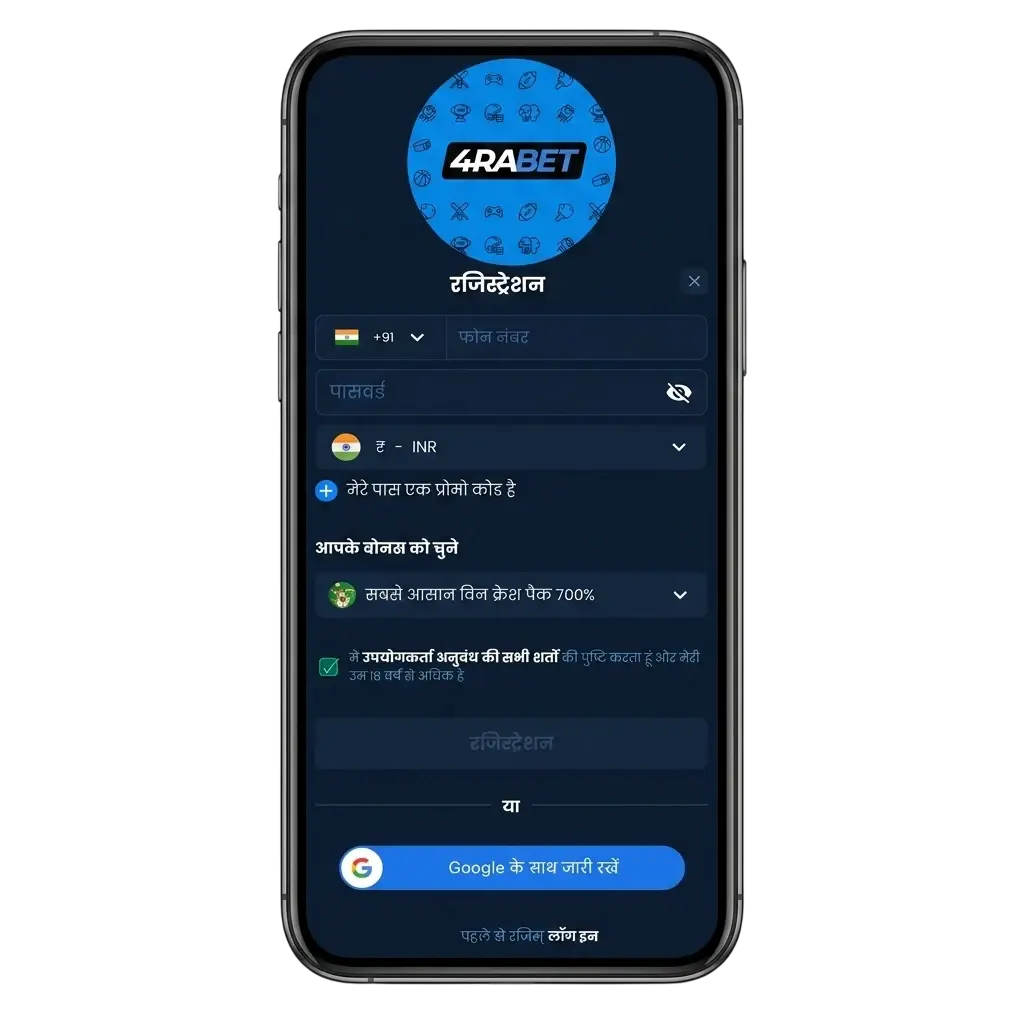
What to expect from the mobile app
The 4rabet app is a real-money betting platform intended for people using a phone in India. A single mobile interface gives you access to the sportsbook as well as the casino catalogue. You can move between live dealer tables, slot machines and crash games without leaving the application. The table brings together the main technical details and the commercial terms, including availability and the options for getting help.
Platform type
Sports Betting & Online Casino
Gaming licence
Curaçao eGaming (Licence No. 8048/JAZ)
Operating systems
Android 5.0+, iOS 12.0+ (PWA)
Current build
2.9.4
First released
2019
Download price
Free
Interface languages
English, Hindi
Countries served
India, Bangladesh, Pakistan, Nepal, and 50+ others
First-deposit offer for sports
200% up to ₹20,000
First-deposit offer for casino
200% up to ₹20,000
Betting formats
Single, Accumulator, System, Live/In-Play
Support channels
Live Chat, Email
Support availability
24/7
Finding your way around the app
The app uses a dark colour scheme. Tabs along the bottom keep Sports, Casino, Promotions and Account within reach wherever you are. Use the download link to view the screens on your phone.
What the Android APK contains
The official Android installer is the 4rabet APK, which the operator makes available for direct download on its own website. There is no copy of the package to retrieve from Google Play. Direct distribution is common among licensed offshore operators serving India because Google Play keeps real-money gambling apps out of the Indian catalogue. The developer digitally signs this small file to protect it against tampering. After you have installed it, you can launch and use it just as you would any native Android app already on the phone.
| Specification | Published value |
|---|---|
| Application | 4rabet |
| Build number | 2.9.4 |
| Download size | About 35 MB |
| Type of app | Sports Betting & Online Casino |
| Publisher | 4rabet |
| Operating system | Android |
| Earliest supported release | Android 5.0 (Lollipop) |
Install the 4rabet Android APK in four steps
4 stepsAllow less than two minutes for installation. These four actions take you from the download to opening the app.
Start the Android download
Find the banner on this page and choose “Download for Android”. The APK immediately starts downloading to the Downloads folder on your device.
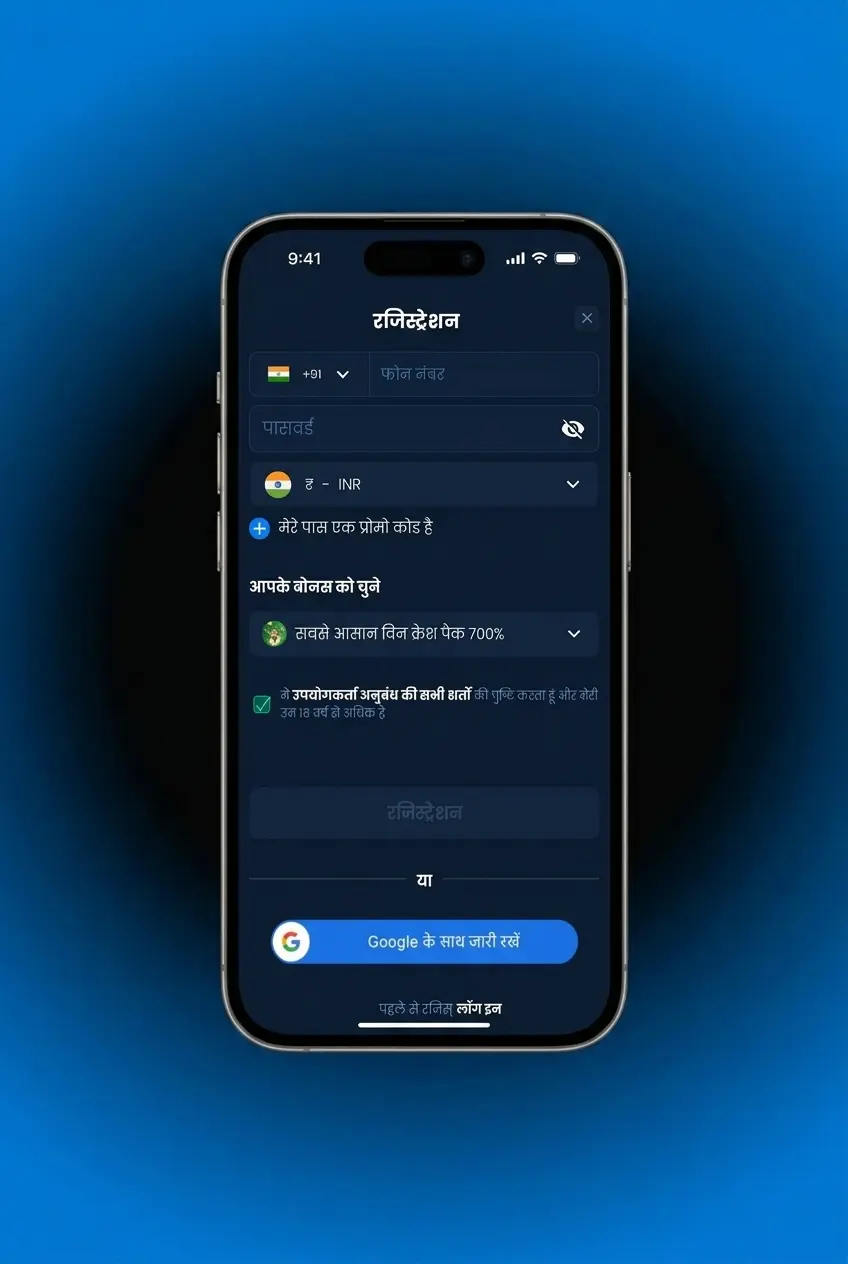
Accept the browser prompt
When the browser asks for consent to save the file, choose “Download” or “OK”.
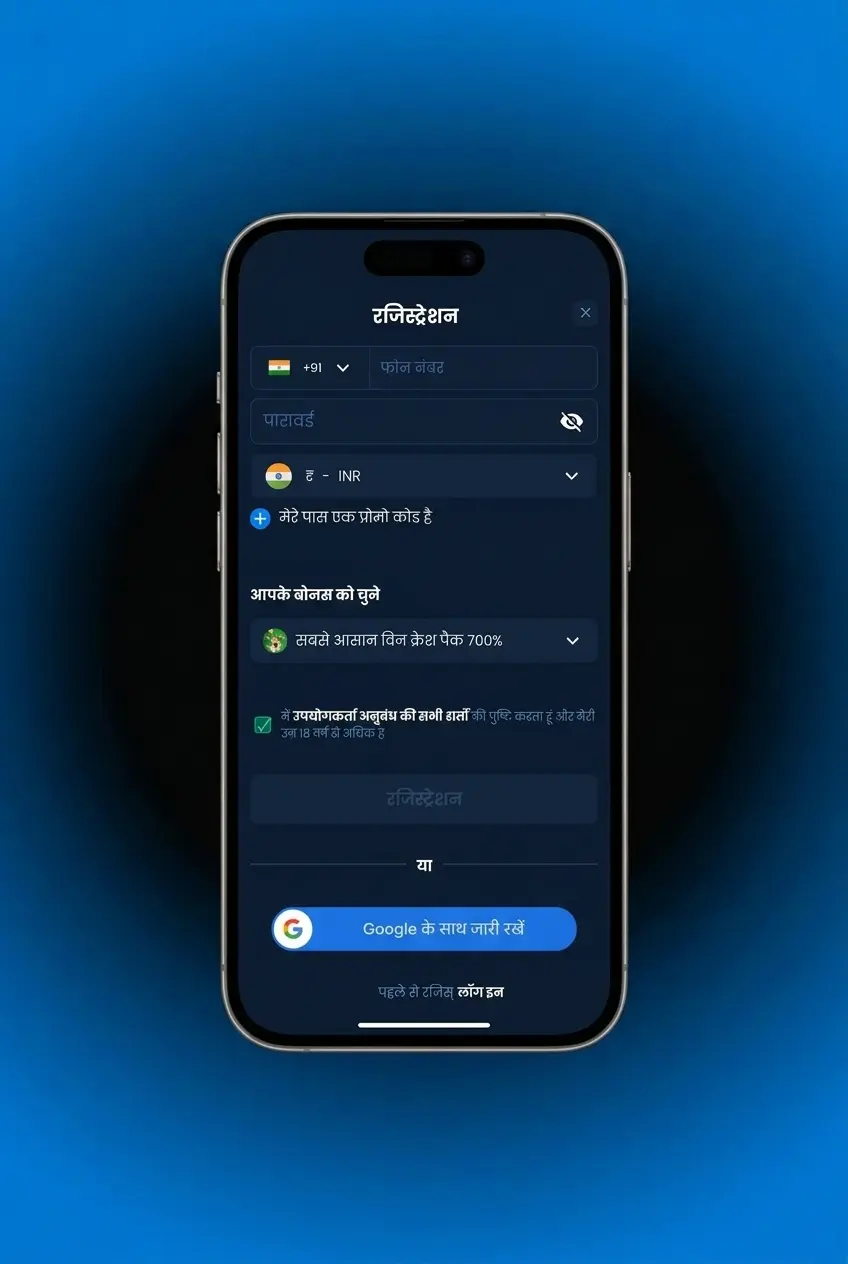
Approve installation through your browser
Open Settings and find Security or Privacy. Turn on “Install from Unknown Sources” for the browser that opened the file.
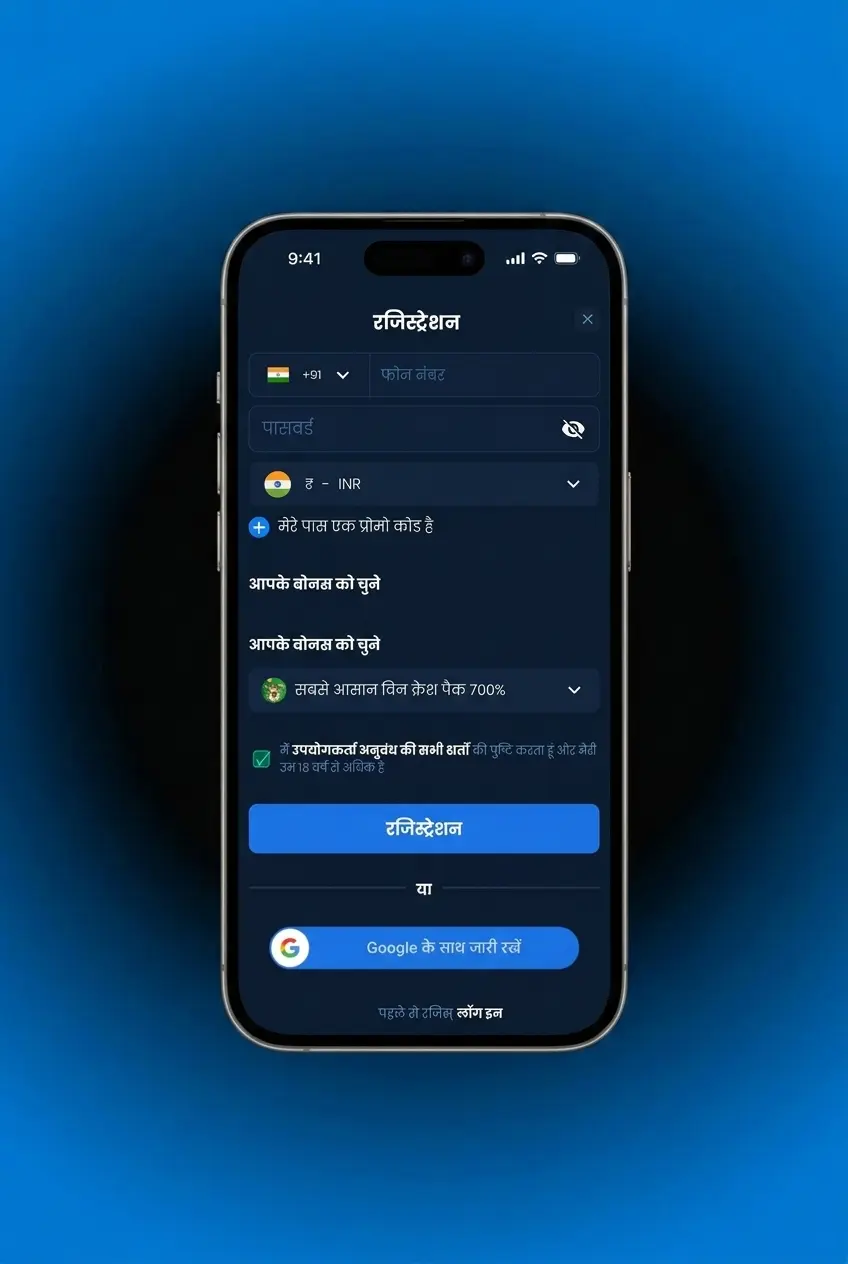
Open the file and install
Find the 4rabet APK in Downloads. Open it, choose “Install” at the prompt, then launch 4rabet after setup finishes.
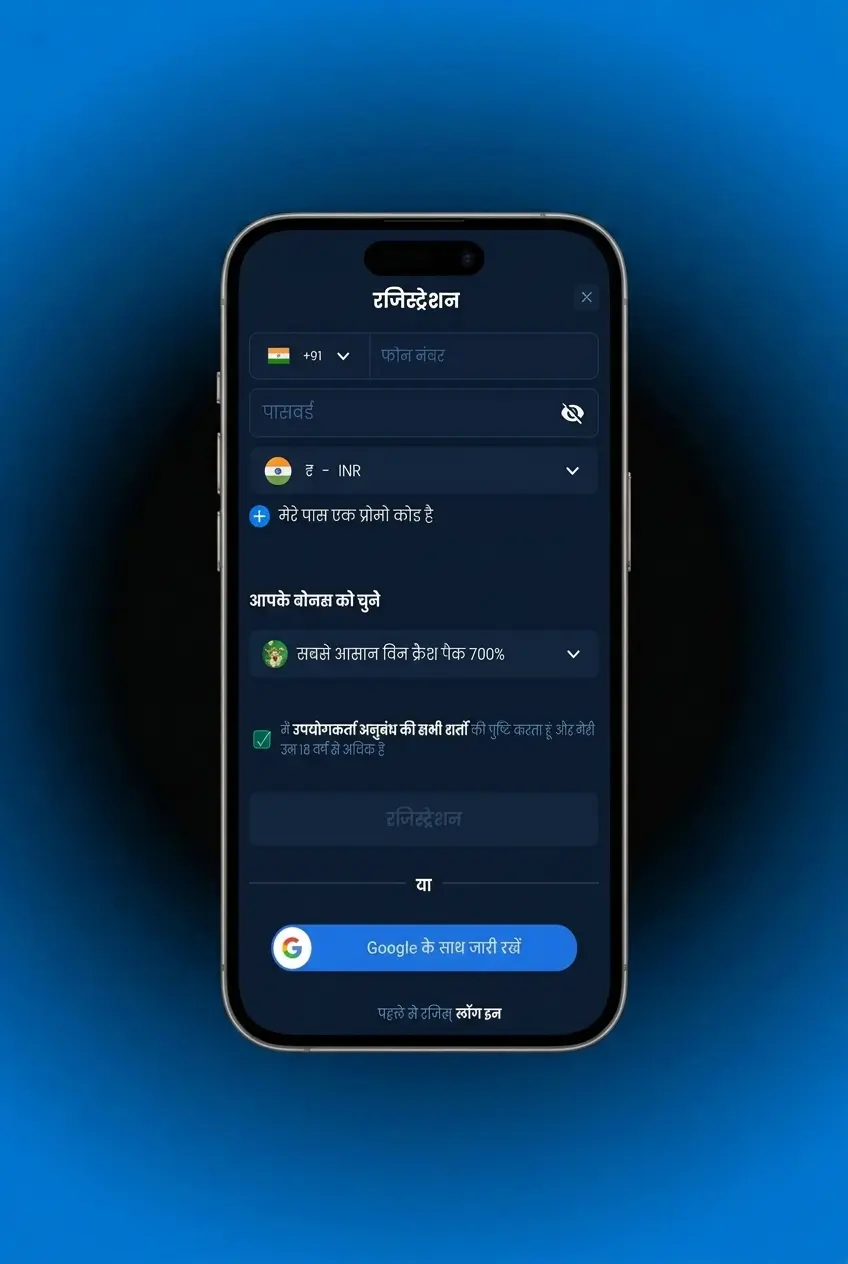
Minimum Android specifications
The app is designed for most Android phones sold in India, including entry-level models. The following minimums help keep betting and casino features running reliably.
| Component | Minimum needed |
|---|---|
| Operating system | Android 5.0 (Lollipop) and later |
| Memory | 1 GB |
| Chip | Dual-core 1.2 GHz or a comparable processor |
| Free space | Requires 50 MB of available space |
Android models compatible with the APK
The APK is compatible with phones from the major Android brands in India. The device families below have been tested successfully and include popular mid-range and flagship models.
| Manufacturer | Tested models |
|---|---|
| Samsung | Galaxy A54, Galaxy A35, Galaxy S24, Galaxy S23 FE, Galaxy M34 |
| Sony | Xperia 1 VI, Xperia 5 V, Xperia 10 VI |
| Huawei | P60 Pro, Nova 11, Mate 60 |
| OnePlus | OnePlus 12, OnePlus Nord 3, OnePlus Nord CE 3 |
| Oppo | Reno 11, Reno 10 Pro, A98 |
| Pixel 8, Pixel 8a, Pixel 7a | |
| Xiaomi | Redmi Note 13, Redmi 13C, POCO X6 Pro |
| Poco | POCO F6, POCO M6 Pro, POCO X6 |
Add the 4rabet PWA to iOS in five steps
5 stepsOn iOS you can set the Progressive Web App up from Safari in seconds. It gives you the same range of casino and sportsbook features as the Android APK and requires only the browser, without third-party software or a separate store.
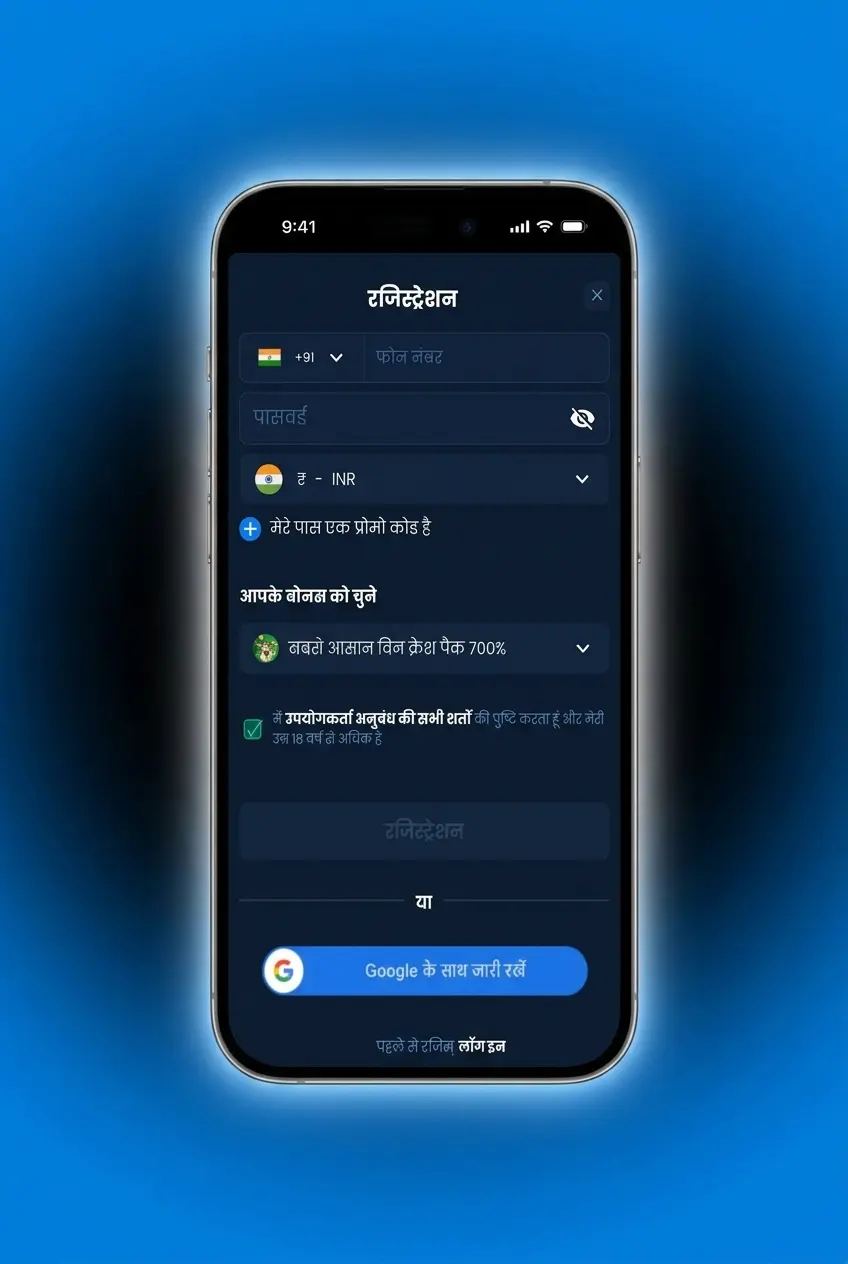
Open the iOS link in Safari
Use “Download for iOS” on this page to visit 4rabet in Safari.
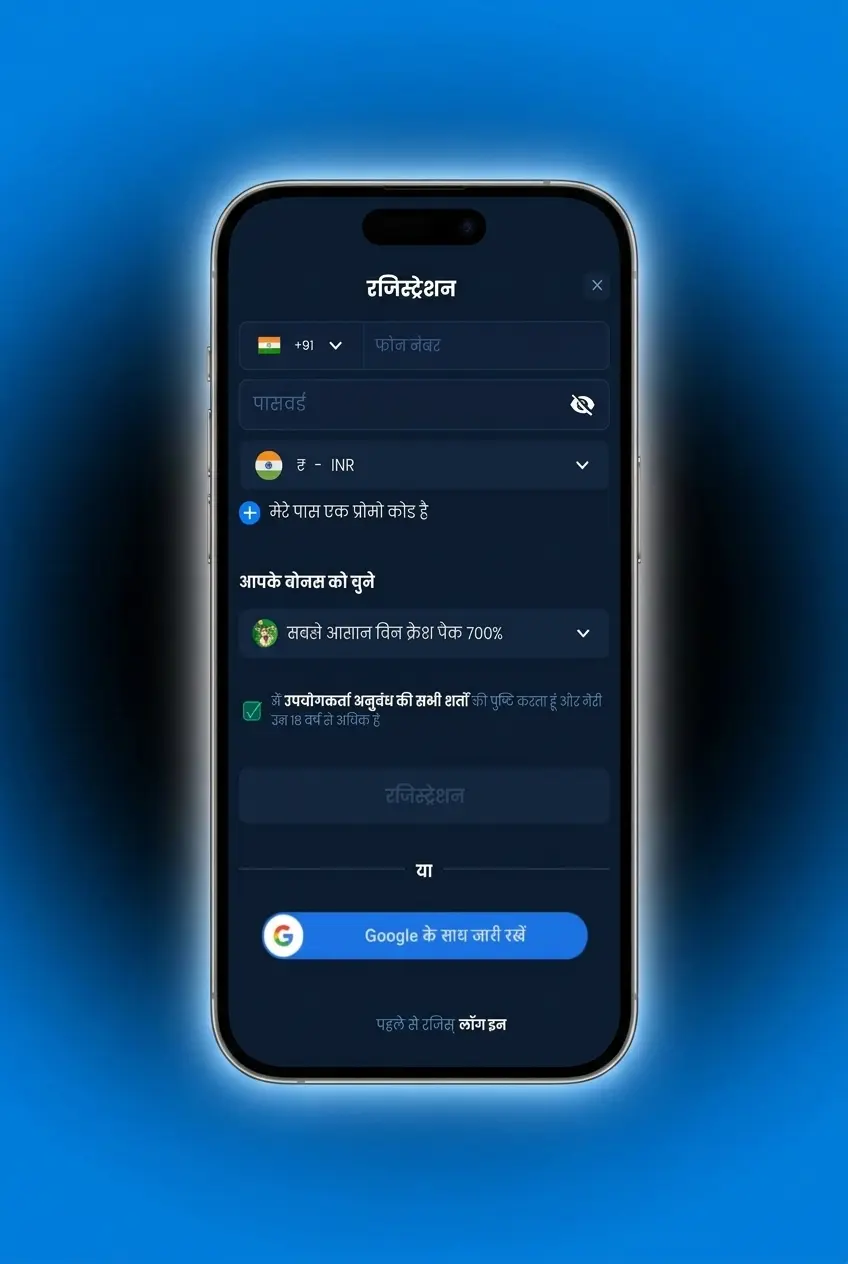
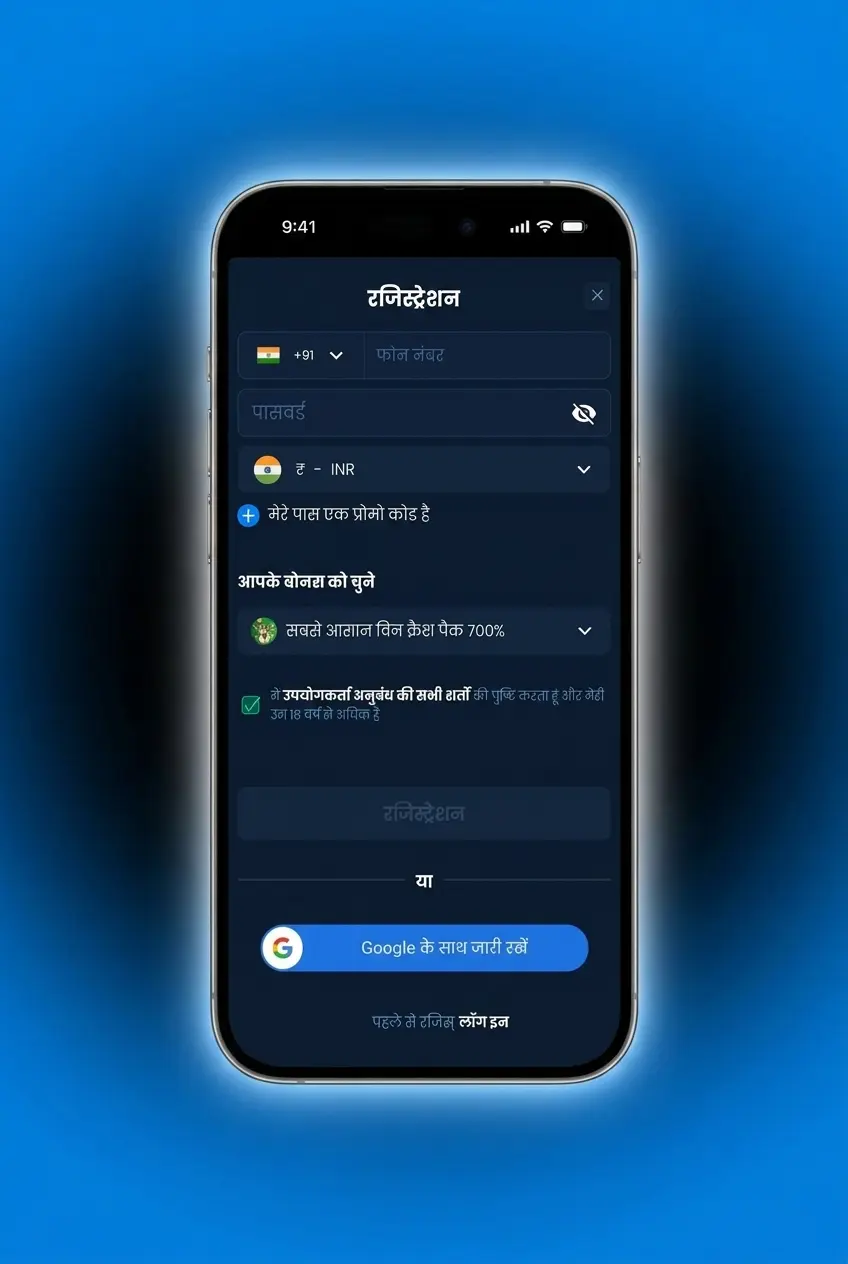
Access your account
Use your usual credentials to sign in. If this is your first visit, fill in the short registration form.
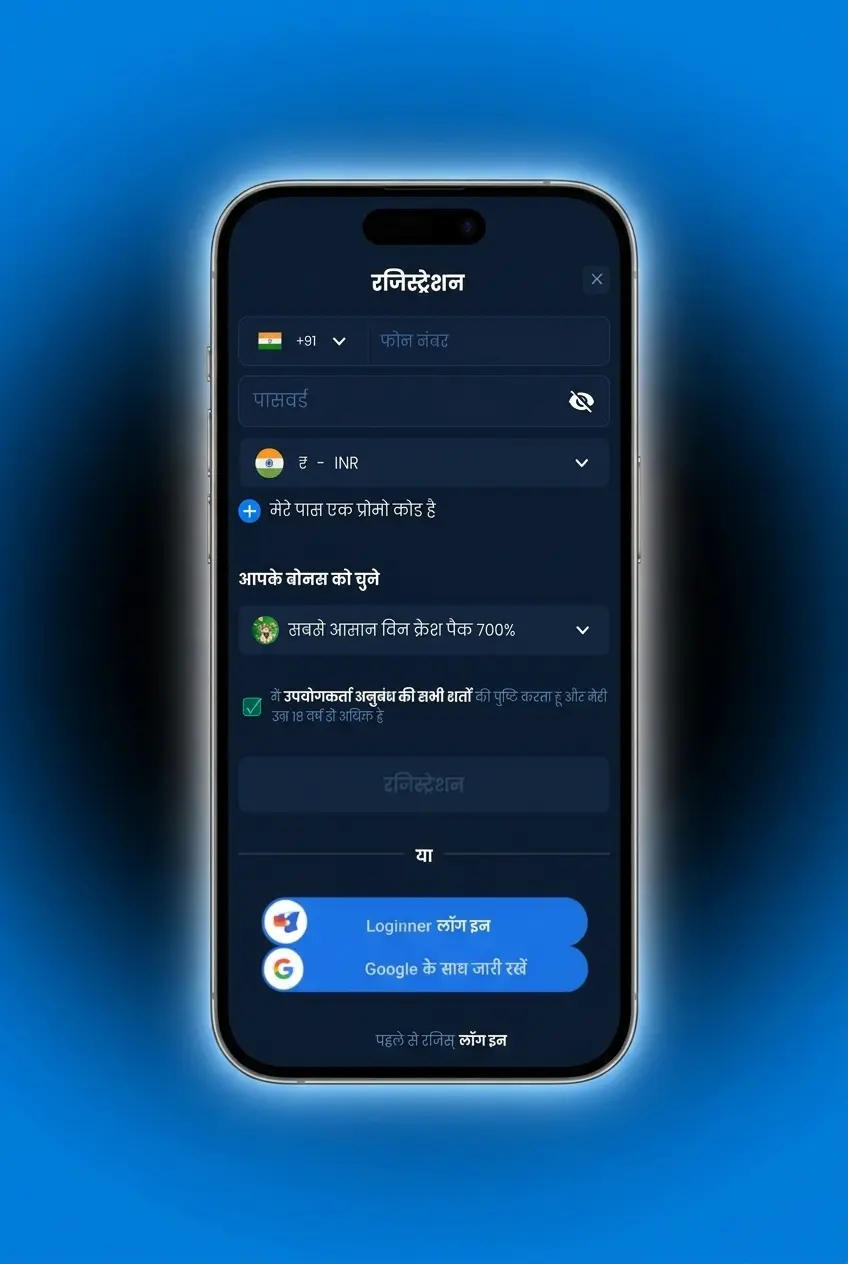
Open Safari’s sharing options
The Share icon is in the centre at the bottom of Safari. Tap it to open the list of actions.
Save a shortcut to the Home Screen
Choose “Add to Home Screen” in the menu and confirm with “Add”. The icon will appear on the Home Screen.
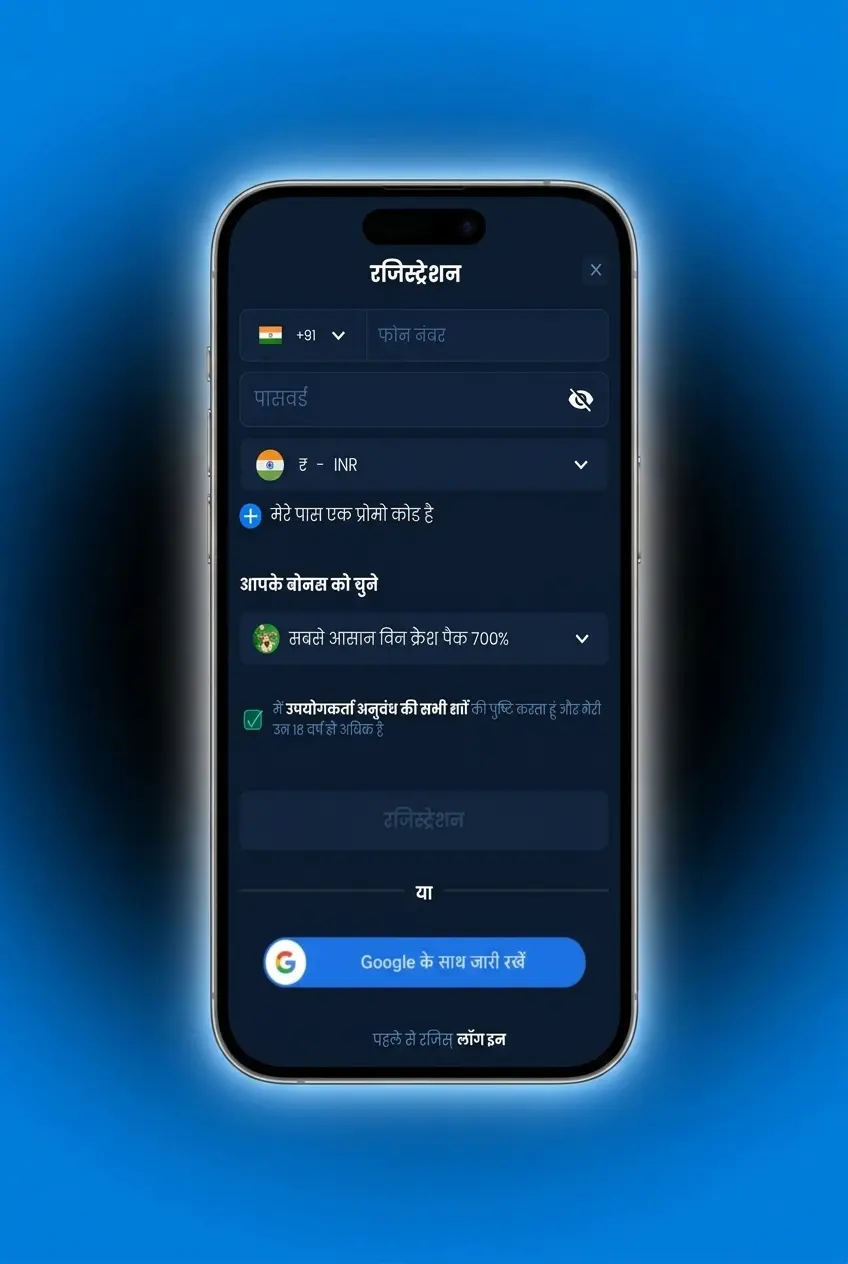
Launch from the new icon
Once signed in, use the Home Screen icon to open the full casino and sportsbook, as you would with a native app.
Apple devices that can run the PWA
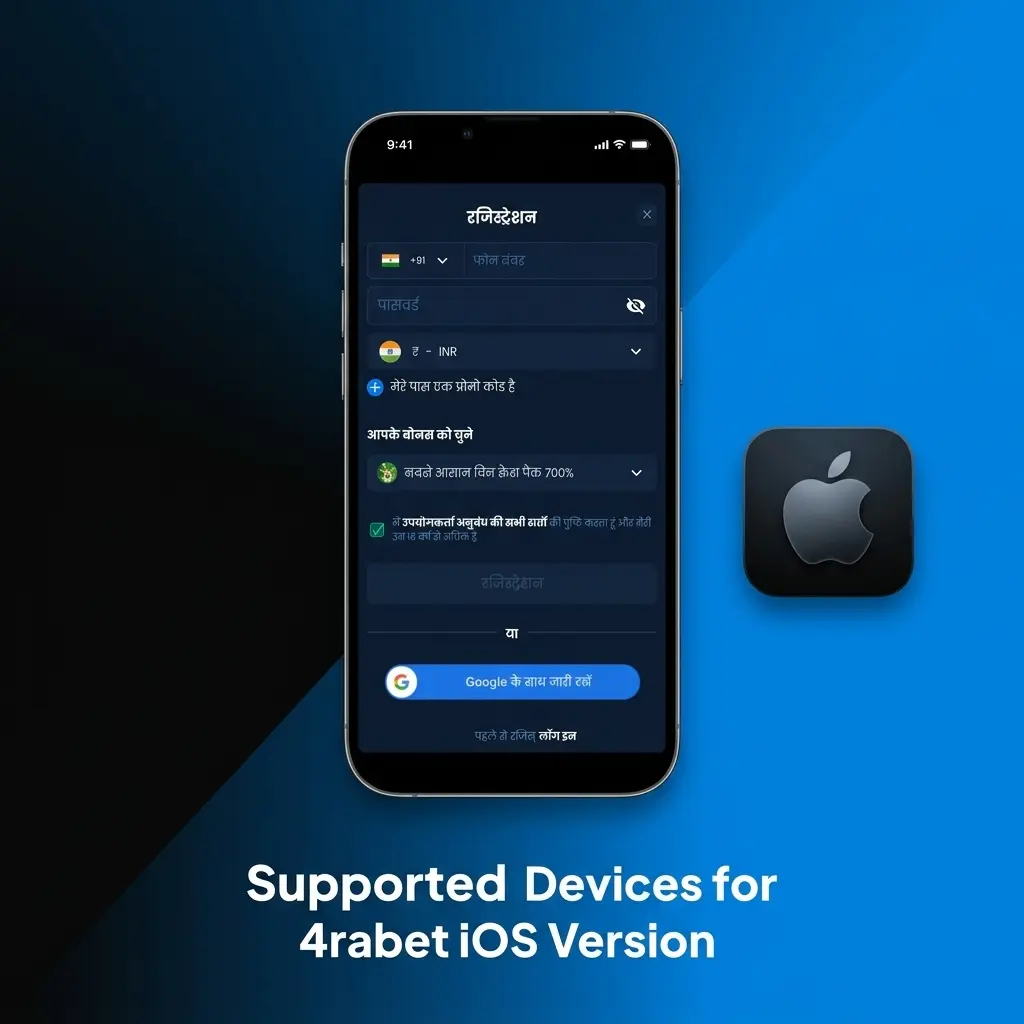
The minimum for the PWA is iOS 12.0, which covers iPhones released from 2015 onward. Safari comes with the phone, so it is the only software you need. The table lists the current and popular Apple devices confirmed to work.
| Manufacturer | Compatible models |
|---|---|
| Apple | iPhone 16 Pro Max, iPhone 16 Pro, iPhone 16, iPhone 15 Pro Max, iPhone 15, iPhone 14, iPhone 13, iPhone 12, iPhone 11, iPhone SE (3rd Generation) |
Create an account from your phone
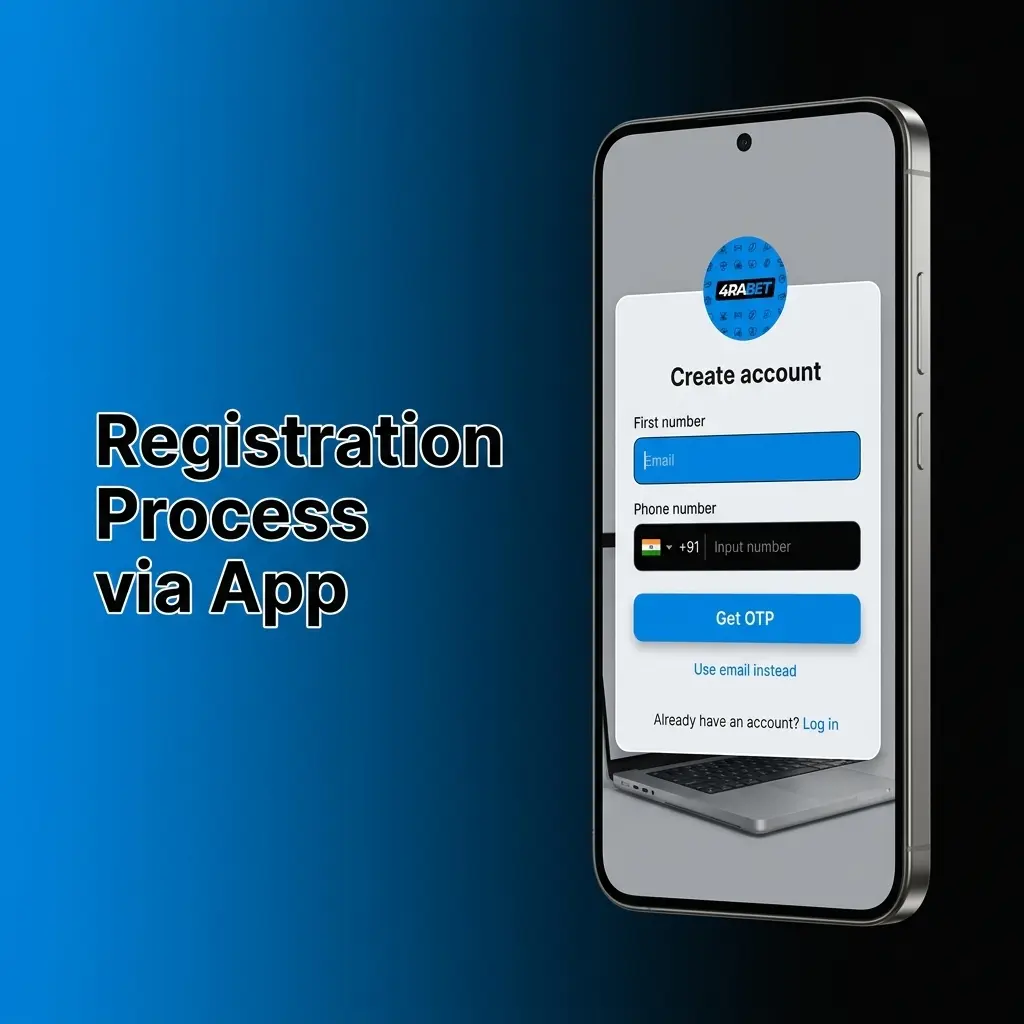
The registration form is available the first time you open either version of 4rabet. It takes less than three minutes to set up the account in the app.
- Start from the 4rabet home screen and select “Register”.
- Provide a phone number or email, set a password and choose INR for the account.
- Add any promo code you have, then accept the Terms and Conditions.
- Confirm with “Register”. The account opens immediately, and the first qualifying deposit activates the welcome bonus.
After signing up, visit Profile whenever you are ready to verify your identity and unlock full withdrawal access.
First-deposit match for new app users

Open your account and fund it through the app to receive a 200% match on the first deposit, up to ₹20,000. For example, a ₹10,000 deposit brings in ₹20,000 of bonus funds, for a total of ₹30,000 to bet or play slots with from day one. The offer covers sports and casino. A deposit of at least ₹300 is needed. Wagering rules apply. Read the full terms under Promotions in the app.
Install the latest Android build
When a new Android build is ready, the app sends a notification. You can start the update there without searching for the site again.
- Tap the push alert announcing the new 4rabet release.
- Follow its update link to the download screen.
- Approve the APK download and let it finish saving to your phone.
- Launch the saved APK and choose “Install” to update the build already on the device.
Updating gives you newly added markets and casino games as well as performance improvements. On iOS, the PWA loads its latest version on launch, so there are no manual update steps.
Why keeping the app current matters
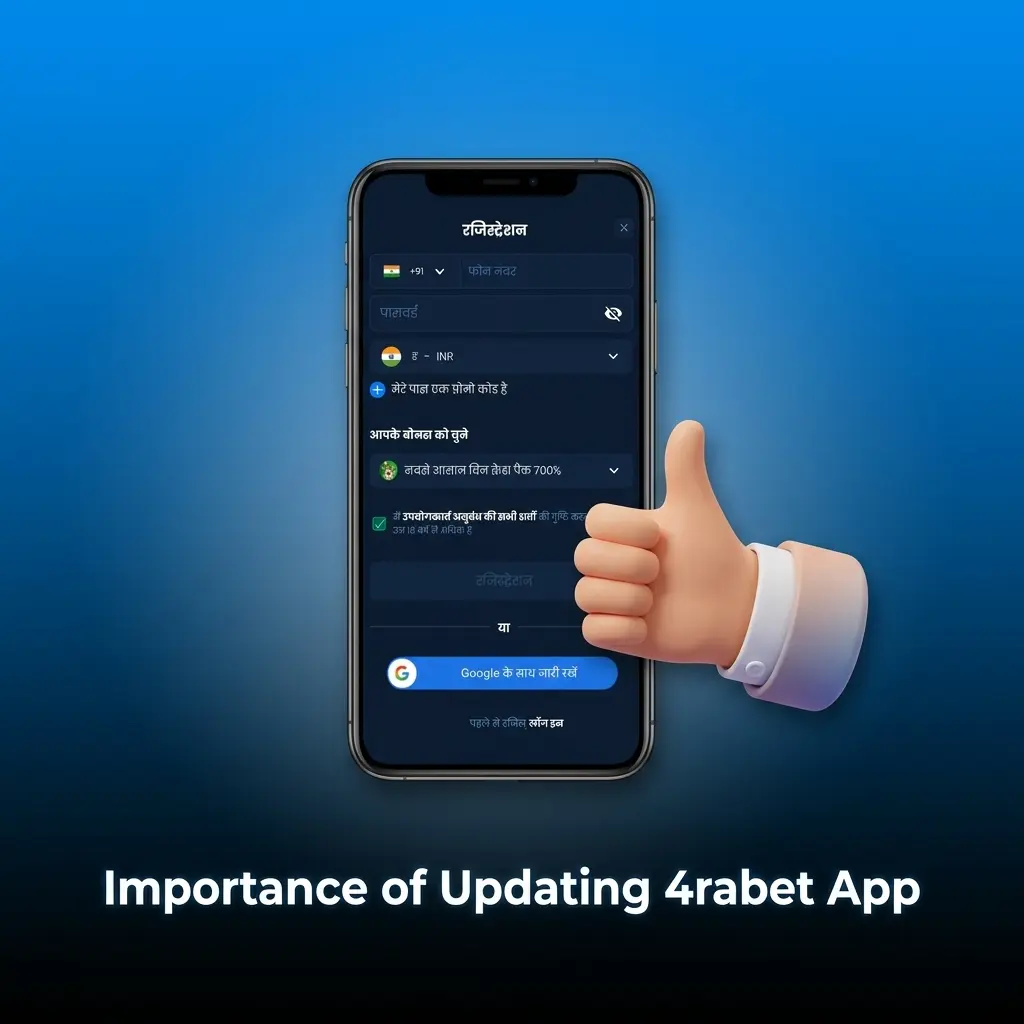
A release can bring important security fixes, a revised interface, extra payment methods or additional markets. Older builds may have trouble on newer versions of Android and miss recently added features. Installing an update when it arrives helps secure the account and keeps you on the most stable release.
Use the app to place a first bet
Sign in to find the sportsbook at the bottom of the screen. If your account has funds, a few taps are enough to place a bet.
- Choose “Sports” in the bottom menu and pick a sport, for example Football or Cricket.
- Open a fixture from the list, find the market and select an outcome to put it on the slip.
- Fill in the stake and look at the potential return calculated on the slip.
- Confirm the wager by selecting “Place Bet”.
Open “My Bets” to see the new wager straight away and follow changes to its status.
Remove 4rabet from your device
On Android, hold down the 4rabet icon on the Home Screen or in the app drawer and choose “Uninstall”. For the iOS PWA, hold its Home Screen icon, select “Remove App”, then confirm “Delete from Home Screen”. Your account remains open after removal and retains its balance, records and bets.
Sign in through the application
The login screen is ready as soon as the app launches. Returning users can open their account in a few seconds.
- Launch 4rabet and choose “Login” on the home screen.
- Fill in your password and the email address or mobile number already on the account.
- Tap “Login”. If you enabled two-factor authentication, use the OTP texted to your registered number to finish signing in.
Betting, casino and account tools on mobile
On the phone, 4rabet combines the sportsbook, live dealer lobby, crash section and controls for your account. You can reach each major section with a tap on the bottom navigation bar, and the app does not need to reload when you switch sections. The sports section covers more than 30 sports and the casino lists over 3,000 titles. Studios such as Ezugi and Evolution Gaming supply the live dealer tables. For deposits and payouts in India, the app supports several local methods, including UPI, Paytm, PhonePe and bank transfer. Its push notifications let you know when a match starts, a live price changes or a bonus is activated. Both Hindi and English are available across the interface so players in India can select the language they prefer.
Betting while an event is in progress
At busy times the live sportsbook can carry in-play markets across over 20 sports simultaneously. As the match changes, the app refreshes its prices continuously. The delay between an event taking place and the price reflecting it is typically under three seconds. Cricket has the most prominent position in the lobby. Coverage takes in the IPL, international Tests, ODIs and T20Is, with markets including runs in an over, next dismissal and the method of a wicket. The live lineup also features plenty of Volleyball, Kabaddi and Football. The match tracker shows both teams’ scores and a timeline of key events. For cricket, it also displays information about the current over. When a live stream is offered, you can watch the fixture directly in the app with the markets still available. An eligible live bet can be settled with cash-out before the match comes to an end.
Mobile casino catalogue and game controls
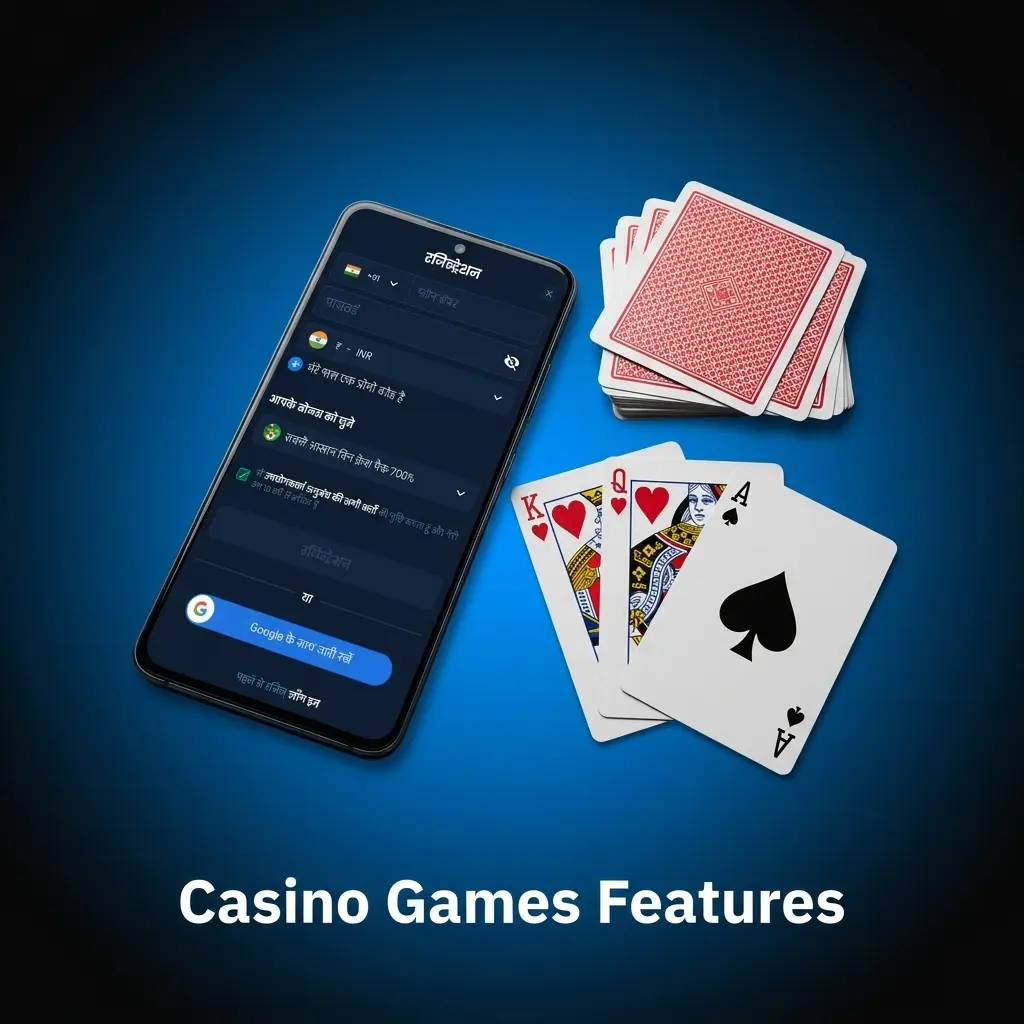
The casino lobby brings together over 3,000 games, covering crash, slots, virtual sports and tables run by live dealers. Individual games do not need their own download. On a typical 4G connection a game takes between two and four seconds to load. The app integrates more than 30 studios, with Pragmatic Play, BGaming, Hacksaw Gaming and Spribe among the available providers. Evolution Gaming and Ezugi supply the live tables, where real dealers host HD streams for Roulette, Baccarat, Blackjack, Andar Bahar and Teen Patti. JetX and Aviator are listed together in a dedicated crash category and regularly rank among the most played titles in the app. If you already have a game in mind, narrow the catalogue with filters such as Slots, Table Games, Live Casino, New and Popular. The entire selection is playable with the phone held upright on a standard smartphone display.
Funding the account from the app
With Indian payment options, adding money through the app takes less than two minutes. UPI is quickest, confirming in seconds, and you can also choose net banking, PhonePe or Paytm. Bitcoin, Ethereum and USDT offer alternatives to payment methods linked to a bank. Transfers use encryption, and the 4rabet servers do not retain card or UPI credentials. Deposits are available from ₹300, including for users on smaller budgets.
| Funding parameter | What to expect |
|---|---|
| Supported deposit channels | UPI, PhonePe, Paytm, Net Banking, Bitcoin, Ethereum, USDT |
| Deposit limits | From ₹300 to ₹500,000 per transfer |
| How deposits are protected | All payments use 128-bit SSL encryption |
| Expected credit time | UPI and wallets credit immediately. A bank transfer can take up to 1 hour. |
Requesting a withdrawal and following its status
To receive an app withdrawal you must have completed identity verification. Requests start at ₹500. Most UPI withdrawals settle within 24 hours, while crypto normally takes one to three hours, subject to network congestion. Allow up to three business days for bank transfer. You can file a request from Cashier in less than one minute. 4rabet adds no platform fee, but the payment provider can charge for its network. Follow a pending request live under Transaction History in your profile.
| Payout parameter | What to expect |
|---|---|
| Supported payout channels | UPI, PhonePe, Paytm, Bank Transfer, Bitcoin, Ethereum, USDT |
| Payout limits | From ₹500 to ₹200,000 per transfer |
| How payouts are protected | Every withdrawal uses 128-bit SSL encryption |
| Expected processing time | Allow up to 24 hours for UPI, 1–3 hours for crypto or up to 3 business days for bank transfer. |
What you can manage in Profile
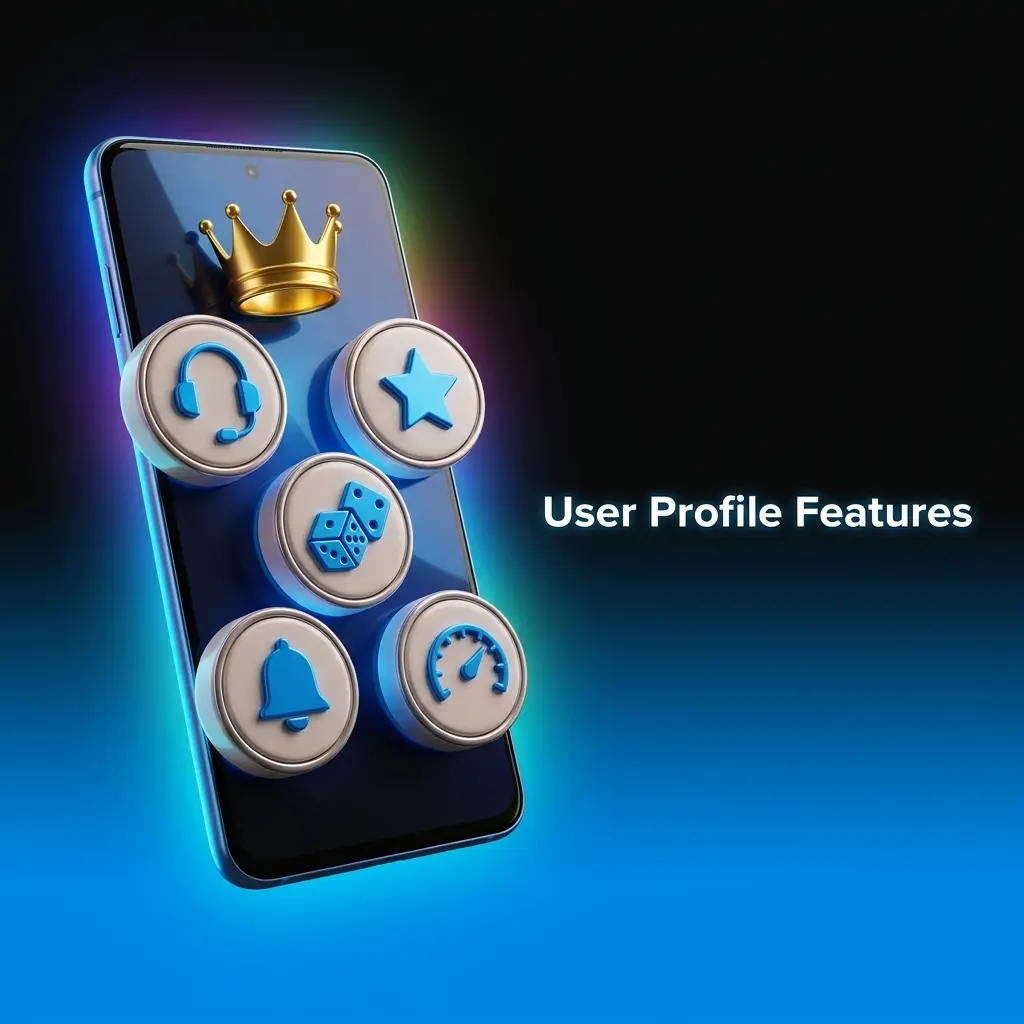
Profile brings the account activity and settings together. Its summary shows the balance, pending withdrawals and active offers. Transaction History timestamps each deposit, payout and bonus credit so you can reconcile the records. Under Edit Profile you can change details such as your registered phone, date of birth or email, subject to verification. Use Responsible Gaming to change the daily, weekly or monthly deposit limit at any time. For KYC, upload documents from your camera or file manager without leaving Profile. Account authentication protects the page, and session tokens expire automatically after inactivity.
Push alerts and notification preferences
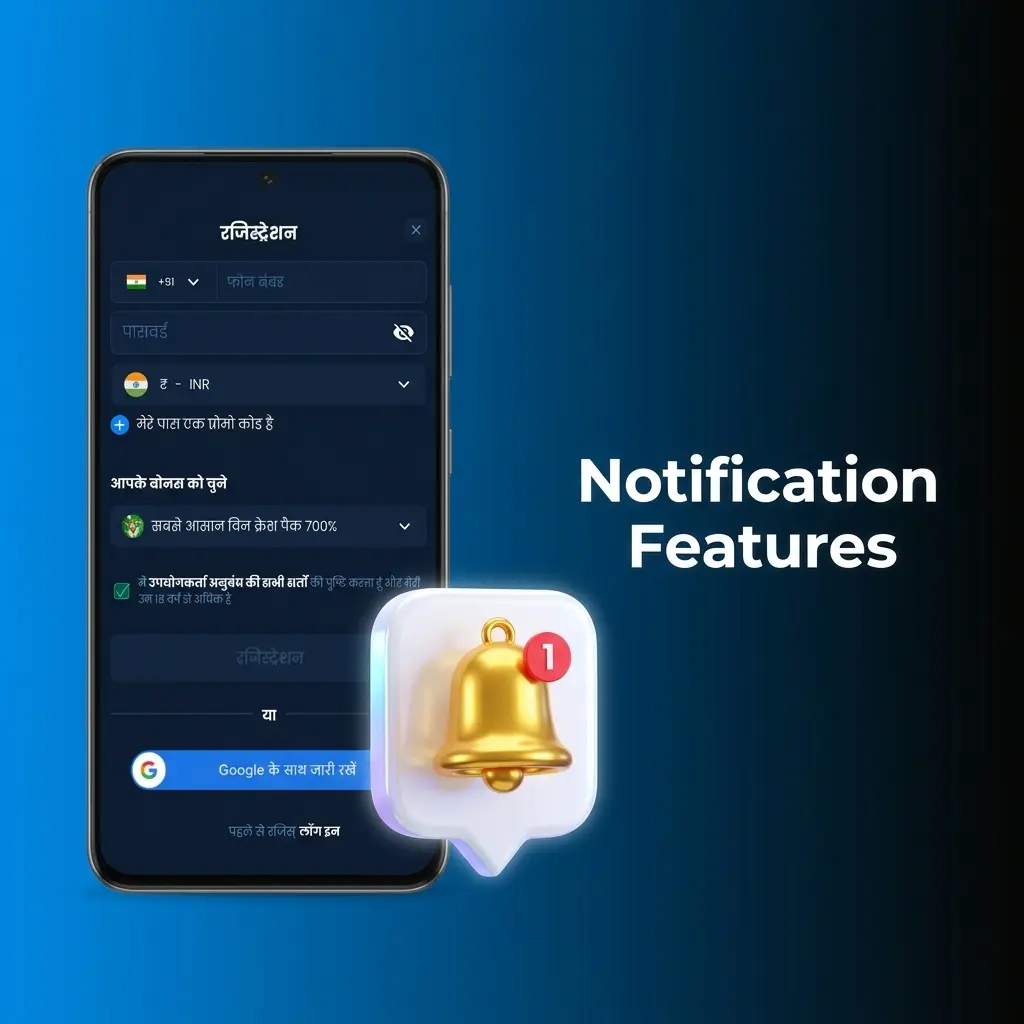
Push notifications can appear on an Android lock screen, so you can follow updates without opening 4rabet. You can get an alert when a match is about to begin, when a price changes on an event in your slip, when a bonus has come through or when the status of a deposit or payout changes. Open Notifications from the in-app Settings menu to choose which kinds of alerts you receive. Messages about reload offers and free bets are a separate group, which you can switch off independently of other updates. Android versions from 6.0 upward deliver push alerts reliably, with no delays reported on a standard mobile data connection. If you use the iOS PWA, Safari handles web push on devices running iOS 16.4 or later. The server keeps your preferences, which means you can reinstall the app and keep the same settings.
How the app secures connections and sessions
The app protects data travelling between the phone and the server with 128-bit SSL, a standard used by major Indian banks. Stored account information is kept on secure servers for authorised staff only. Your password secures the login, with optional two-factor authentication (2FA) using an OTP sent to the number on your account. An active session has its own token. That token expires at logout or after a set period of inactivity, helping protect the account if the app is left open.
PCI-DSS-compliant gateways handle payment data, so 4rabet does not keep your UPI ID or bank details directly. When the app starts, it checks the APK for tampering and flags unauthorised modifications before the installation can open your account. Suspicious sign-in attempts lock the account automatically and trigger an alert to your registered email. The Curaçao eGaming licence, No. 8048/JAZ, requires regular security audits by a third party.
Permissions on Android and what they do
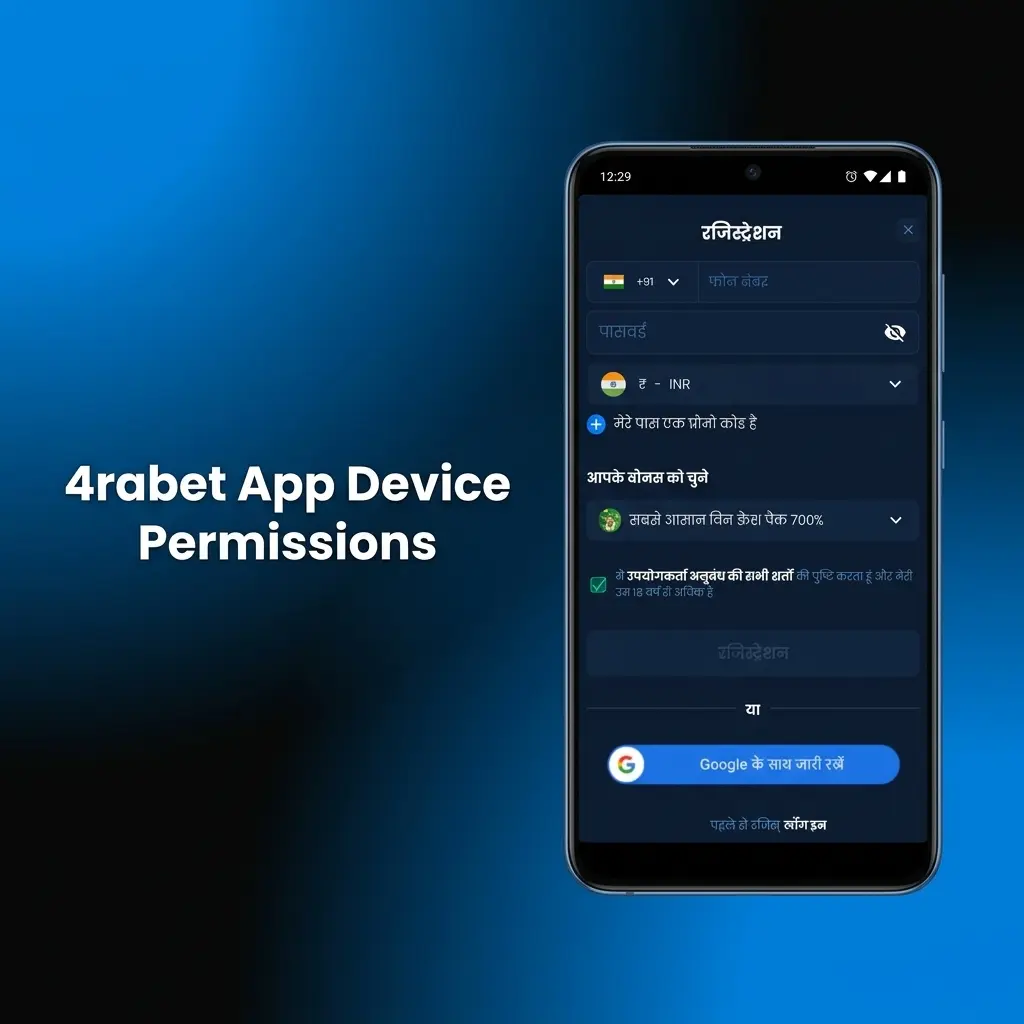
Android permissions correspond to the features of the app. Storage lets the phone save the APK at installation and cache game files to reduce loading times on later visits. The app asks for camera access if you decide to submit KYC documents or take a profile photo. Internet access is required for live markets, casino games, deposits and payouts. Notification access enables alerts for odds changes, fixtures and transaction confirmations. Normal use requires no location permission. The current app has no voice features and does not request the microphone. Requests appear individually during setup. You can review or revoke each one under App Permissions in Android Settings.
Questions about the Android APK and iOS shortcut
What rules apply to the 4rabet app in India?
India has no central regulation of online casino play or sports wagering, and 4rabet holds Curaçao eGaming licence No. 8048/JAZ. Under the current framework, use is legal in most states. Check your state’s rules before opening an account.
Is there a charge to install either mobile version?
There is no charge for the Android APK or to add the iOS PWA.
Where do I get the app if I use Google Play?
Google Play excludes real-money gambling apps for users in India. The safe Android installer is distributed directly through this site.
How soon does the app pay a withdrawal?
UPI normally processes within 24 hours. Crypto withdrawals take one to three hours, while a bank transfer can run to three business days.
Will the same credentials work on Android and iPhone?
Yes. One 4rabet account works across the platforms. The same login can be used at the same time on Android, the iOS PWA and a desktop browser.
How much do I need to add to the account?
The floor is ₹300 for payments through PhonePe, UPI, Paytm and net banking.
Who can help with an error in the app?
The Help or Support area has live chat 24/7. Email support can also be reached at any time.
Can I use the iOS PWA offline?
The app needs an active connection for every function, including casino play, placing bets, adding money and withdrawing it.
Last updated