
Signing In to a 4rabet Account in India
A registered email address and password let you sign in within seconds on the official 4rabet website or dedicated mobile app. The service uses SSL encryption and offers optional two-factor authentication (2FA) to protect personal details. Once inside the account, you can review your full payment history or use any active bonuses, browse hundreds of casino games and find wagers on cricket, football and kabaddi.
Ways to Access a 4rabet Account in India
Registered customers have a choice of sign-in routes. Use the 4rabet site in a browser such as Safari or Chrome and there is nothing to install. On a phone, the Android app gives you another way to reach all the same tools. Both routes open the same dashboard with your usual bonuses and payment options.
Sign-in routes: Enter your email and password in the browser or use that same pair of details in the Android app.
Signing In on the Website
The standard route uses your account email and password. It works from any browser or device, and there are no extra settings to configure.
- On the official 4rabet site, select “Log In” in the upper-right corner.
- Fill in the email and password fields with the details registered to your account.
- If you switched on 2FA, enter the code that was sent to your device to complete the check.
- Select “Log In” and the account dashboard will open.
Signing In from the Android App
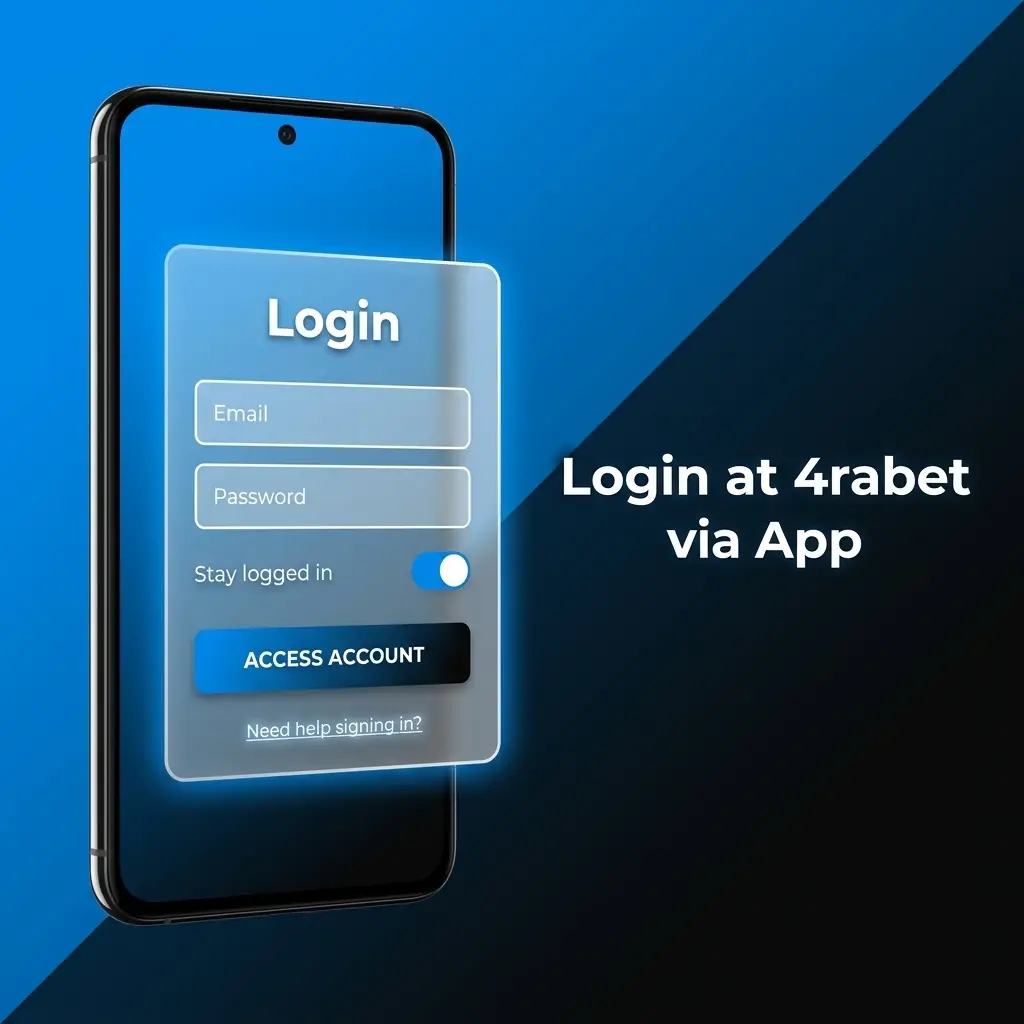
The Android app lets you reach the full account in the same way as the website, with an icon you can tap straight from your home screen. Google Play does not distribute it. To install it, get the APK directly from the platform.
- Save the 4rabet APK from the official site to your Android device. Before running the installer, open Settings and switch on “Install from Unknown Sources” for the browser you used. Then install the APK.
- Launch the installed app and select “Log In” on its start screen.
- Fill in the fields with your account email and password. On accounts with 2FA, supply the verification code if the app asks for it.
- Choose “Log In” to open the dashboard and begin betting.
What to Try When Sign-In Fails
An account setting or a technical problem can occasionally block your sign-in. This table pairs the issues Indian users most often run into with the action to try for each one.
| What Went Wrong | Next Step |
|---|---|
| The password is wrong | Select “Forgot Password” on the sign-in screen. You can use your registered email address to set a new password. |
| The identity check is incomplete | Send a valid government-issued ID to finish KYC. The site restricts sign-in for accounts that haven’t been verified. |
| The connection is blocked by an ISP in India | Choose a trusted VPN and switch to a different server location. Then open the official site again and retry your login. |
| The 2FA message hasn’t arrived | Make sure you can still receive messages at the registered number or address. After 60 seconds, try requesting another code or open a live chat with 4rabet support. |
| The APK will not install on Android | In the device settings, check that “Install from Unknown Sources” is switched on. Make sure the file has finished downloading before you try to install it again. |
Resetting a Password You Can’t Remember
The sign-in page lets you change a forgotten password through your registered email address. You can usually complete the process in under two minutes without waiting for the support team.
- Go to the sign-in screen in the app or on the official site.
- Below the password box, choose “Forgot Password” to open the reset form.
- Fill in the address attached to the account and choose “Send” to have a reset link emailed to you.
- Find the 4rabet email in your inbox and follow the link in the message. It has a limited lifetime, so open it promptly.
- Type the replacement password, enter it a second time to confirm and choose “Save” to apply the new credentials.
Questions About Account Access
When does a 4rabet session end?
The app and the website keep the session open until you sign out yourself. On a public or shared device, log out when finished to keep the account secure.
Can I be signed in on two devices at once?
You can use the same credentials on the official site and in the Android app at the same time. Giving those credentials to another user, however, is against the platform’s terms.
How do I update the email address I use to sign in?
The operator must verify your identity before changing the registered address. Send a request to customer support through email or live chat and provide the requested identity evidence.
Can I sign in with a fingerprint or face scan?
4rabet’s Android app currently has no fingerprint or facial recognition option. To sign in, enter your account email and password.
How do I regain access after too many unsuccessful tries?
Several wrong passwords in a row can trigger a temporary restriction. Select “Forgot Password” to set a fresh password or open a live chat with 4rabet support for immediate help.
Last revised: